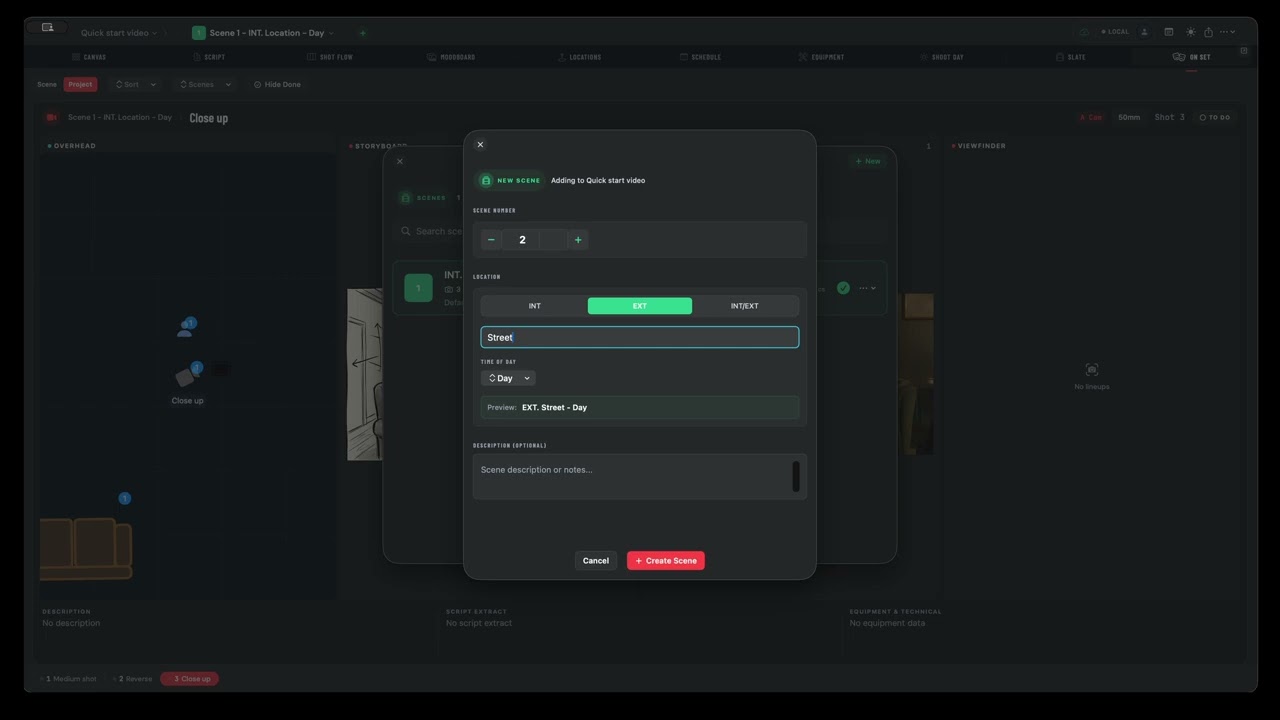
Floor plans, shot lists, schedules, moodboards, and on-set tools — everything you'd normally spread across five apps, in one. iPad & Mac.
Build your shot plan on the Mac with a big screen and a mouse. Then pick up your iPad and walk onto set — everything's there. Changes sync live between devices and team members, so your director, DoP, and AD are always looking at the same plan.
Everything you need, from recce to wrap.
Plan blocking, camera moves, and lighting setups on an overhead canvas. But the floor plan isn't just a drawing — it's where everything lives. Attach references and storyboards to shots, tag equipment so it flows through to your kit list, add notes for every department. One canvas, the whole production.
Attach moodboard images and storyboard frames directly to shots — not buried in a Dropbox folder three levels deep. When you're on set, your references appear alongside the floor plan, shot details, and schedule. Everything connected, nothing lost.
Track every camera, lens, dolly, and light across your shoot. Tag equipment to shots on the floor plan and Shotpad builds the day-by-day breakdown automatically — so you know exactly what needs to be on the truck each morning.
A viewfinder that actually knows what camera you're shooting on. Frame up during rehearsals with your real sensor size, lens, and aspect ratio — and because it's connected to your shot list and equipment, there's nothing to configure. Your DoP lines up a shot on their iPad, and the director sees the same frame on theirs. First time a viewfinder has been live-synced across the whole crew.
Pull up your shot plan with the floor plan, storyboard, references, and description all in one view. Check off setups as you go. Show the gaffer the lighting plan, show the AD what's next. The whole crew looking at the same thing, updating live.
Import your screenplay. Scenes, characters, and locations are extracted automatically — every shot links back to the page.
See every shot as a visual grid — with reference images, storyboard frames, or script excerpts. Two views to suit how you think.
Assign scenes to shoot days, set daily targets, and see where the pressure is before you get to set.
Your daily shot list with progress tracking, weather, equipment call, and location info — everything the AD needs in one screen.
A digital slate that pulls camera, format, lens, and scene data straight from your project. Tap to roll.
Pin your locations with photos, GPS coordinates, sunrise/sunset times, and notes. Assign them to scenes so everyone knows where they're going.
Plan your blocking visually. Share the project with your DoP and arrive on set with everyone already aligned.
Plot camera positions, lens choices, and lighting setups. Build your equipment list and see the director's plan update in real time.
Schedule scenes to shoot days, track daily targets, and check off setups as you go. The whole team sees progress live.
Shotpad is currently in closed beta via Apple TestFlight. Sign up and we'll send you an invite.
We'll send you a TestFlight invite soon.